Furniture manufacturer drawing control · Updated 27 July 2026
Desk Power Module Port Layout Drawing Checklist for Furniture Manufacturers
Direct answer: A desk power module port-layout drawing should show the interface sequence, viewing direction, module orientation, cable exit, mounting method and the furniture opening or edge that receives the product. Every drawing needs a revision, date and configuration reference. Dimensions, electrical ratings, plug type and port functions must come from the approved model-specific source; they should never be copied from a similar product image.
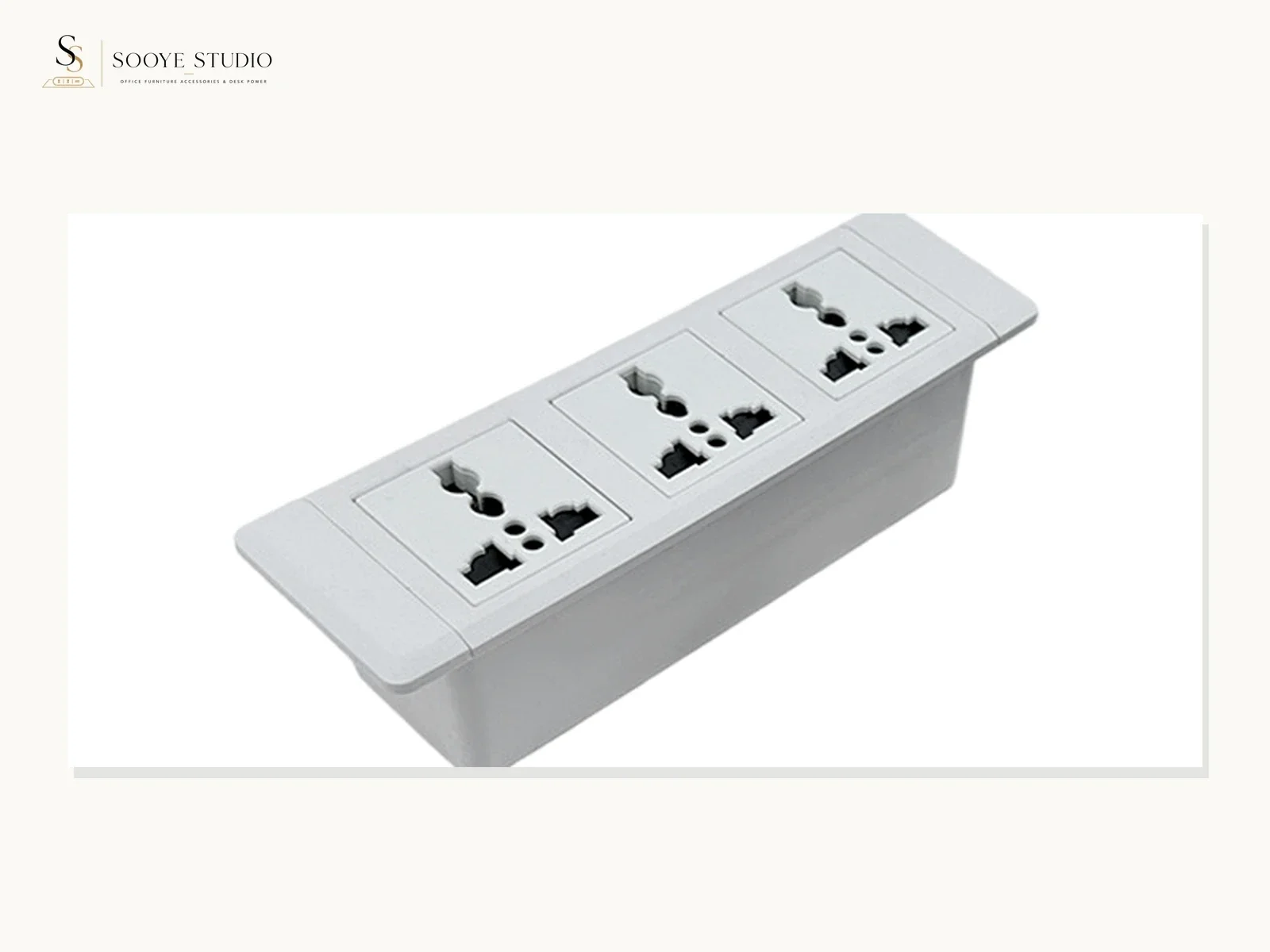
Why port-layout drawings fail in furniture projects
Furniture teams often receive a product image, a separate cutout sketch and a text message describing the requested interfaces. Each item may look reasonable on its own, yet the set can still leave basic questions open: Is the drawing viewed from the user side or from below the desk? Does the cable exit left or right? Is the first position an AC outlet, a charging interface or an unused module? Which revision did the sample represent?
A controlled drawing brings those decisions into one reference. It allows the furniture manufacturer, power-module supplier and buyer to review the same configuration before tooling, panel cutting, sample assembly or quotation approval.
Start with a configuration identification block
| Required field | What it controls | Do not do this |
|---|---|---|
| Project or customer reference | Connects the drawing to the correct buyer requirement | Do not use a customer name publicly without permission |
| Formal model or provisional reference | States whether the product identity is confirmed | Do not create a new DP model number automatically |
| Configuration code | Distinguishes port, finish, plug, cable or mounting variants | Do not assume one code covers every destination |
| Drawing number and revision | Prevents older layouts from being used after a change | Do not label multiple conflicting files as “final” |
| Date and status | Shows whether the drawing is provisional, for sample or approved | Do not treat “for review” as production approval |
| Units | Controls dimensional interpretation | Do not mix millimetres and inches without clear conversion |
Define the viewing direction before listing interfaces
Port sequence depends on viewpoint. Mark the user-facing side, front edge of the desk, cable side and any opening direction. Add a small orientation arrow and an isometric reference. If a module can be rotated during installation, show the approved orientation rather than assuming the installer will infer it.
- Label “user view,” “rear view” and “underside view” where relevant.
- Show the furniture front edge and the intended user position.
- Mark the cable exit direction and required service clearance.
- Show open and closed positions for a moving cover, only when relevant.
- Use the same left-to-right sequence in the drawing, bill of materials and approval record.
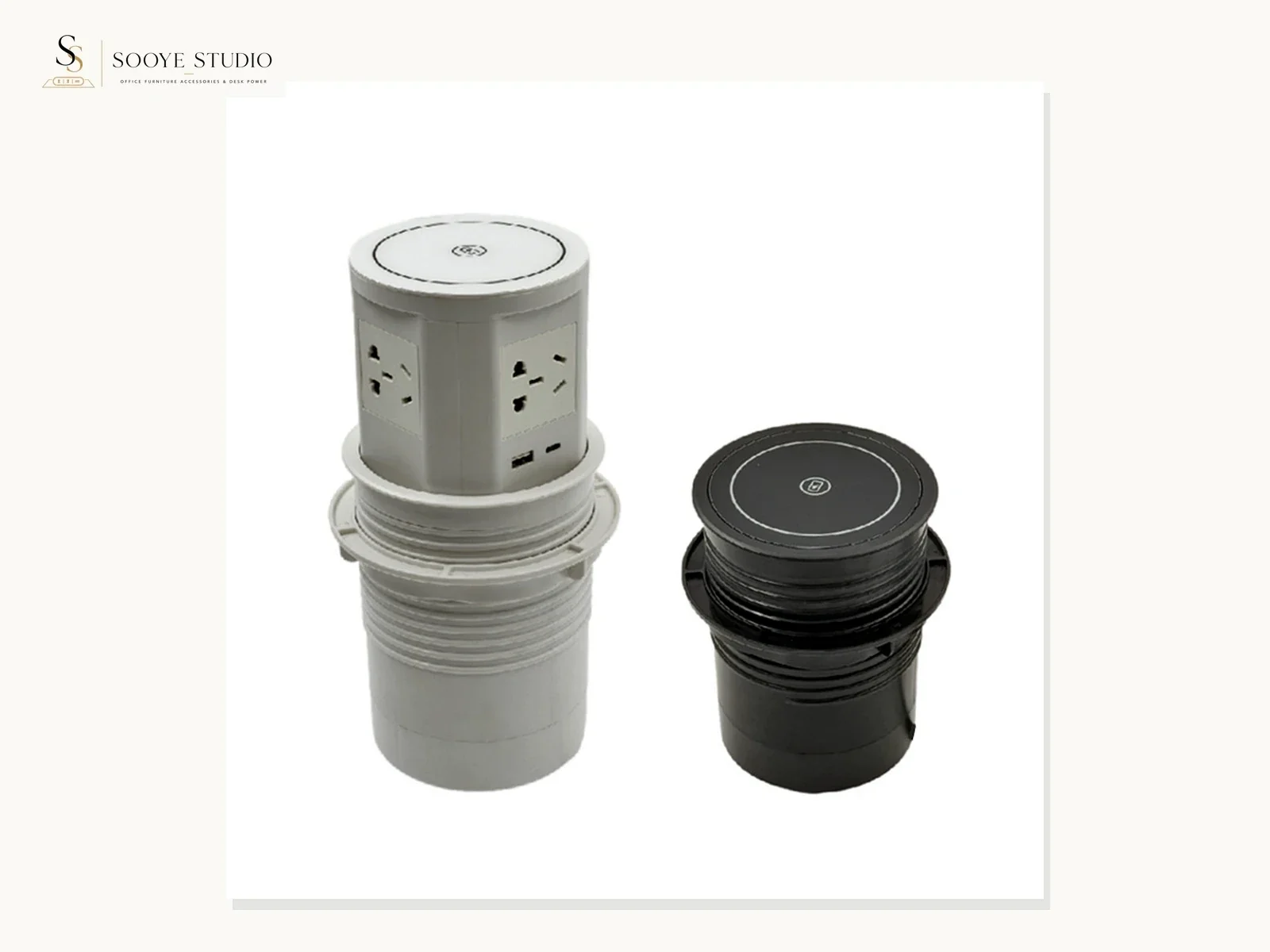
Create an interface schedule beside the drawing
Do not rely on icons alone. Give every position a number and a written description. If a function, rating or protocol has not been confirmed from a controlled source, mark it “to be confirmed” instead of filling the space with a likely value.
| Position | Interface description | Orientation | Source | Status |
|---|---|---|---|---|
| 01 | Exact requested interface name | Keying or visible orientation if applicable | Approved product drawing or written supplier response | Confirmed / needs verification |
| 02 | Exact requested interface name | As shown from user view | Approved source | Confirmed / needs verification |
| 03 | Blank, control or another stated module | As applicable | Buyer requirement and supplier confirmation | Confirmed / needs verification |
The schedule should also identify any visible switch, indicator or cover. A shape that resembles a USB-C port should not be described with an output or charging protocol unless that information is confirmed for the selected configuration.
Separate port layout from destination configuration
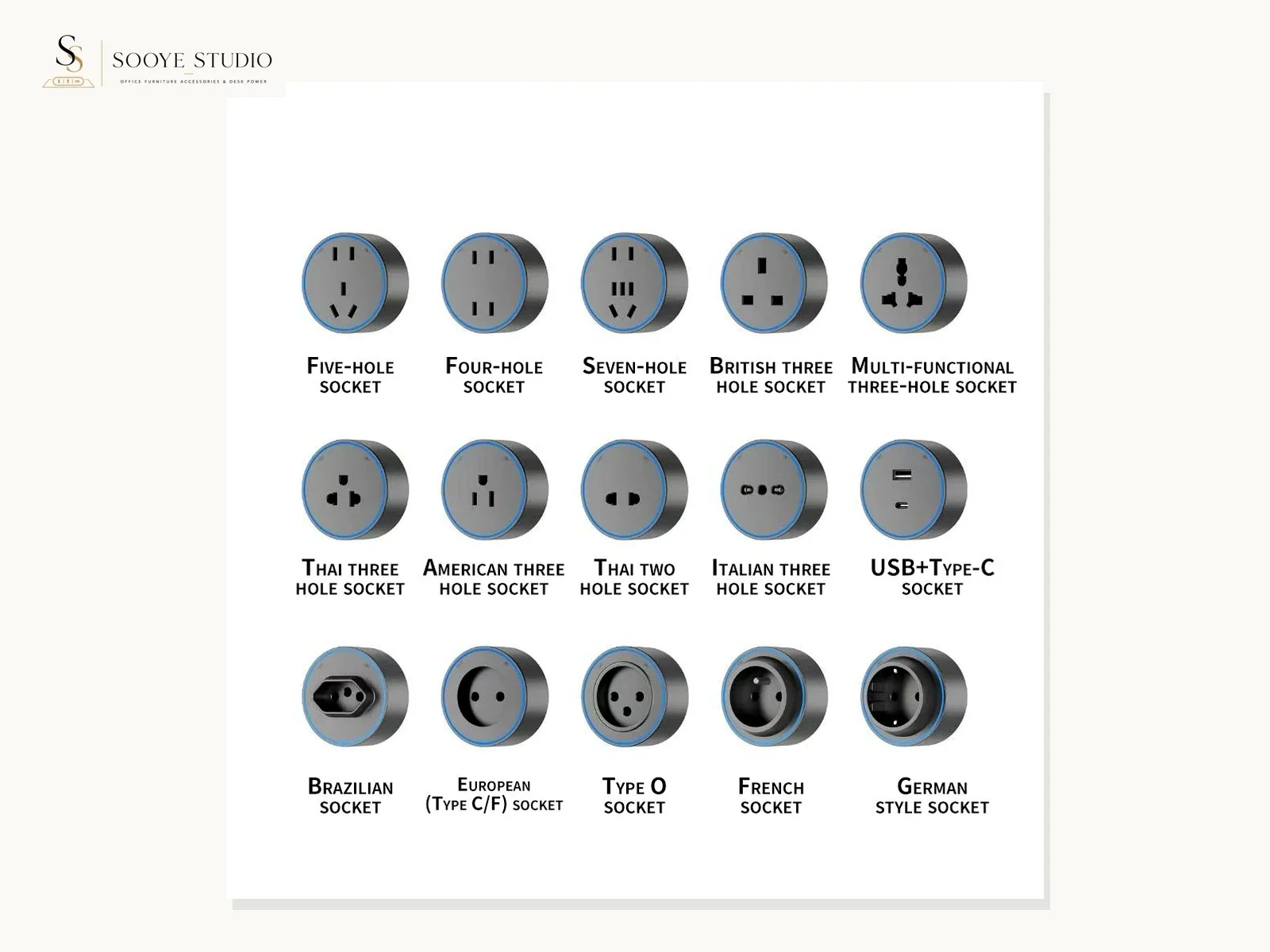
The visible arrangement is only one layer of the order. The buyer should also state the destination country or market, requested plug, cable, input expectations and any documentation questions. These items must be reviewed for the exact model and order. A generic port-layout drawing is not proof that a product is suitable or certified for a destination.
Visible layout layer
Interface sequence, controls, finish, product orientation and the surfaces visible after installation.
Destination layer
Requested plug and cable, electrical configuration questions, label language, documentation scope and destination-specific review.
Furniture layer
Opening, desk thickness, edge profile, underside clearance, fixings, cable route and service access.
Commercial layer
Sample, quantity, packaging, requested schedule, MOQ and written quotation terms.
Show the furniture interface, not only the product outline
A furniture manufacturer needs the relationship between product and furniture. Include the seating surface, opening or desk edge, underside envelope, fastener access and cable route. Identify nearby frames, drawers, cable trays and other obstructions. When a supplier drawing is not yet approved, keep all provisional furniture dimensions visibly marked as provisional.
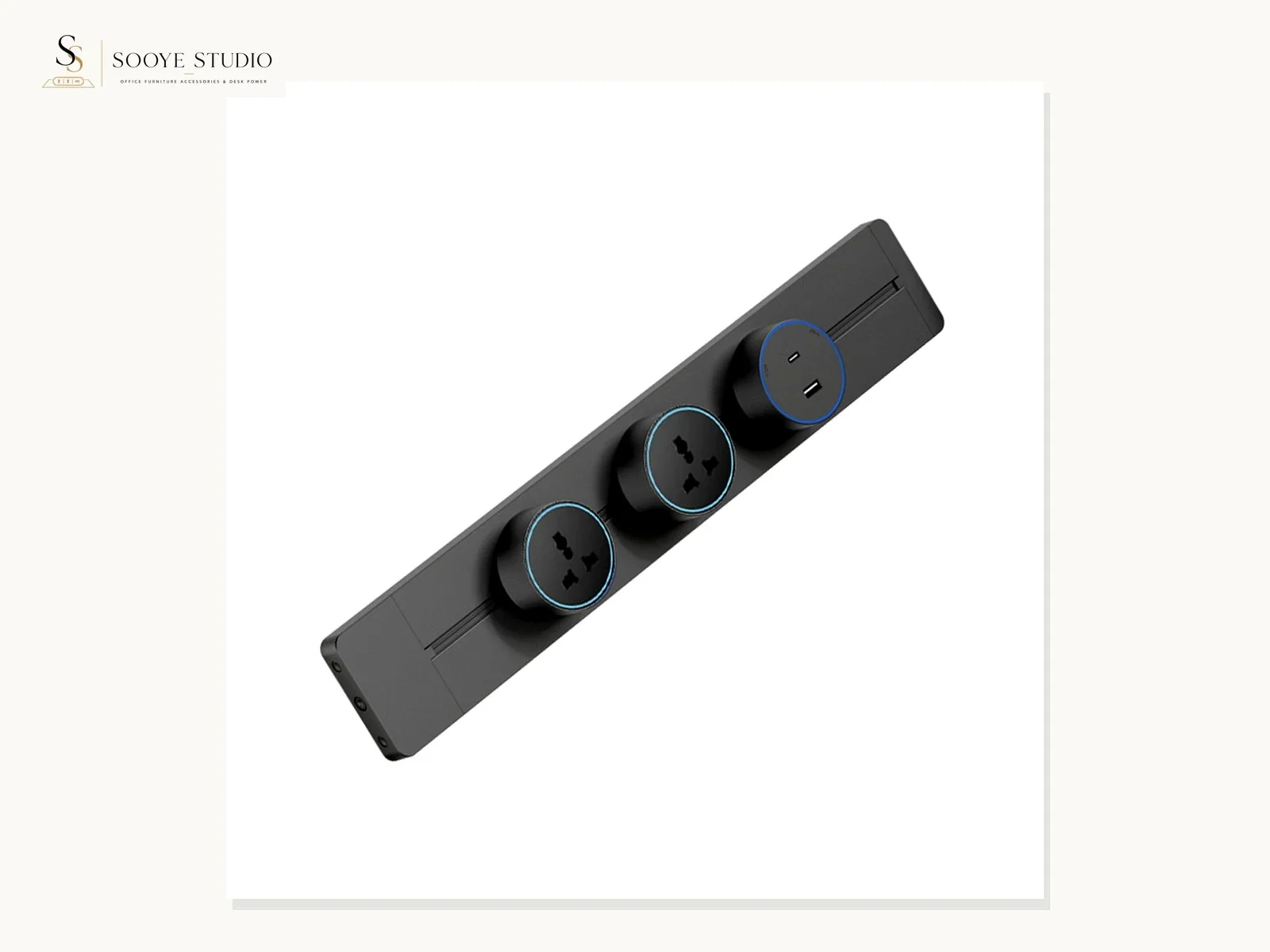
For recessed products, the drawing normally needs a plan view, section view and underside envelope. For clamp-on products, it needs the desk-edge profile, contact surfaces and adjustment path. For surface-mounted or track-style products, it needs the fixing line, feed route and service-access plan.
Use one revision workflow from request to bulk order
- Buyer requirement: record application, destination, preferred interface sequence and furniture constraints.
- Provisional layout: mark every unconfirmed model, dimension and function clearly.
- Supplier review: identify the proposed current model or controlled custom path and answer open configuration questions.
- Furniture review: check cutout, edge, underside, fasteners, cable route and service access.
- Paid sample: receive the defined configuration and assemble it on representative furniture.
- Revision record: update the drawing with sample findings and close discrepancies.
- Written approval: reference the approved drawing, sample and open commercial or document items.
- Order control: place the approved reference in the quotation, purchase order and inspection plan.
Port-layout drawing preflight
| Check | Pass condition | If it fails |
|---|---|---|
| Model identity | Formal model or clearly provisional reference is visible | Stop model-specific claims |
| View direction | User view, furniture front and cable direction are labelled | Add orientation views |
| Interface schedule | Every position has a source and status | Move uncertain functions to “needs verification” |
| Furniture relationship | Opening or edge, underside and service access are shown | Request furniture drawing or measurement set |
| Destination inputs | Country, plug, cable and document questions are stated | Hold destination claims |
| Revision control | Number, date, status and approval record match | Reject ambiguous “final” files |
What to send Sooye Studio for a configuration review
Send the intended application, destination, furniture drawing, preferred interface sequence, product format, finish, estimated quantity, sample requirement, packaging questions and requested schedule. If a current formal model is already selected, include its model page. If it is not selected, use a provisional project reference until Sooye Studio confirms the proposed product path in writing.
OEM, ODM, private label and new moulding can be discussed when order quantity is sufficient, but feasibility and scope depend on the product and order. Logo, packaging, colour, port, plug, cable and structural requests should be listed separately; none should be treated as approved until they appear in the controlled response.
Review office power module formats
Plug and destination questions
Furniture opening workflow
Send a drawing-led RFQ
The goal is not to make a product look complete before it is confirmed. The goal is to show which configuration, furniture interface and destination questions have been confirmed—and which still require written review.
Editorial basis: proof-safe configuration control for furniture manufacturers. No unconfirmed dimensions, interface ratings or certification claims are published on this page.