Comparison · Updated 30 July 2026
Cable Grommet vs Power Grommet: A Furniture Integration Decision Guide
Direct answer: choose a cable grommet when the furniture only needs an organized pass-through for existing cables; choose a power grommet or another desk power module when the furniture needs a powered interface at the work surface. Do not treat the two as interchangeable. The decision changes the opening, below-surface route, service access, destination review and sample plan. Confirm the exact current model, furniture drawing and intended cable or power function before RFQ.
The functional boundary comes first
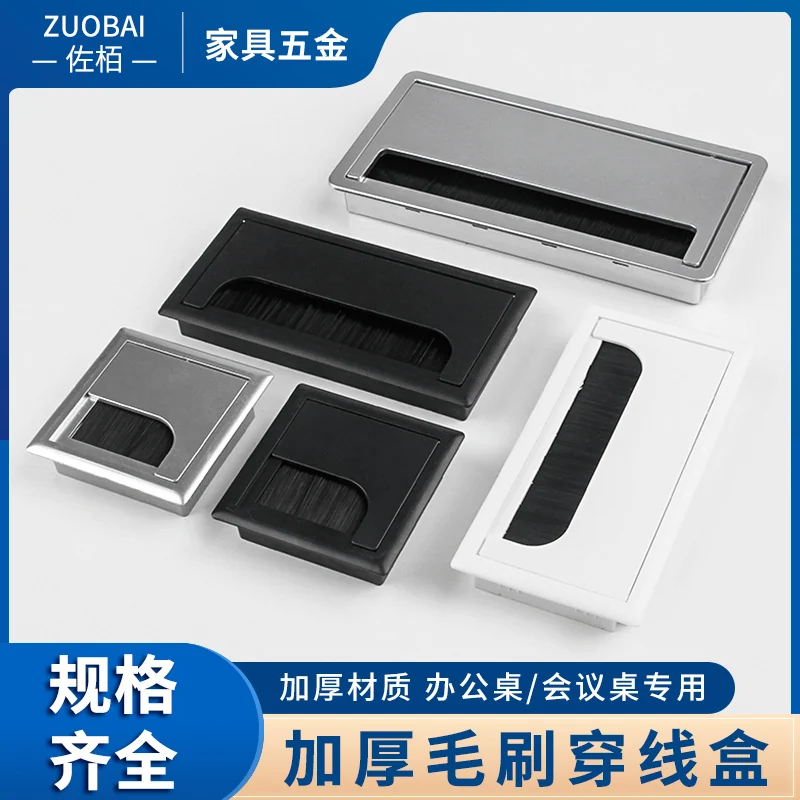
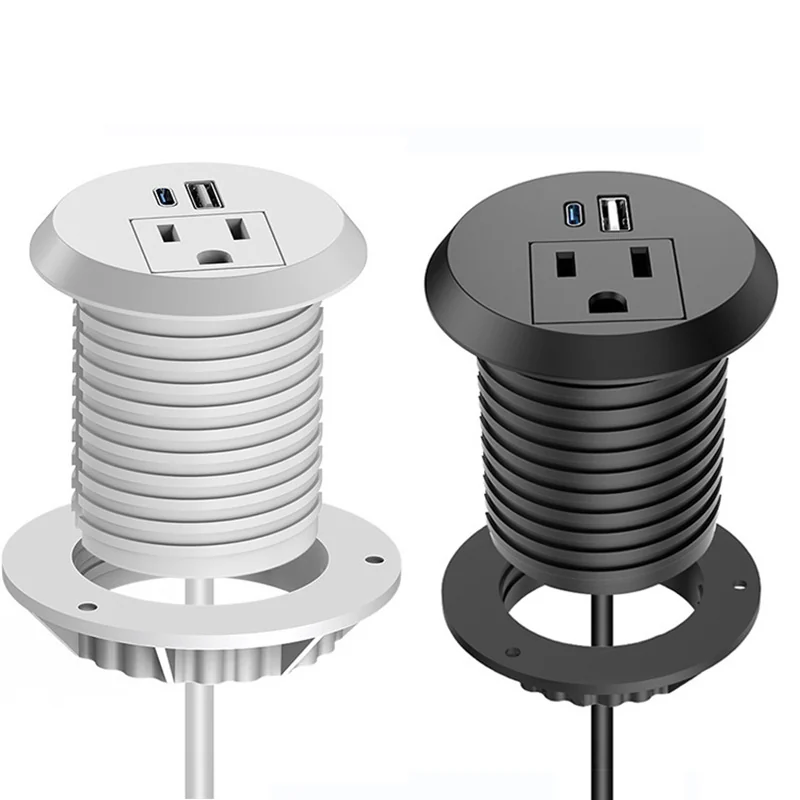
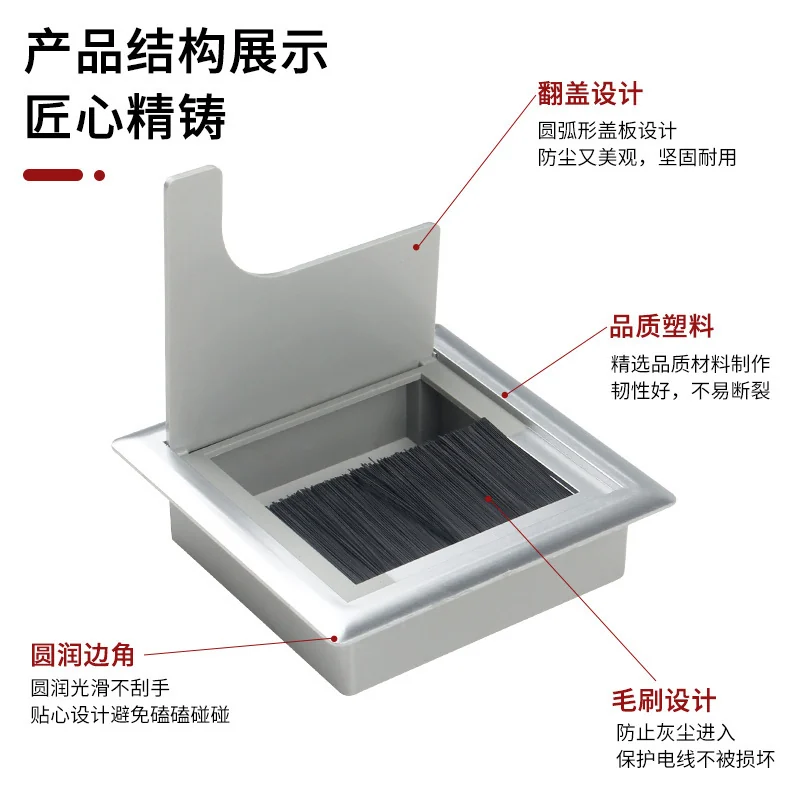
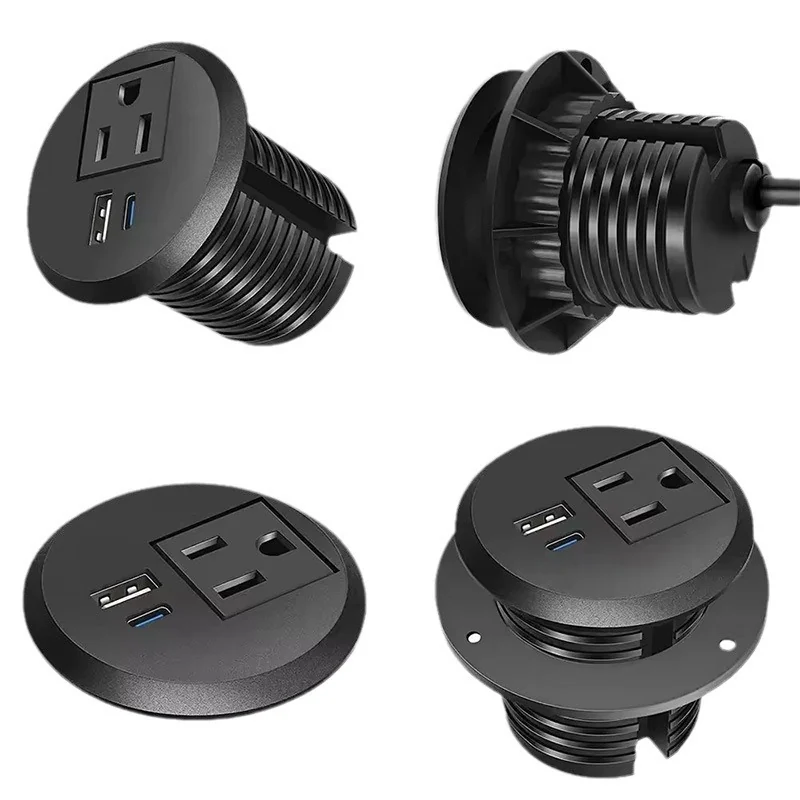
A cable grommet organizes cables that already belong to other equipment. It does not become a powered product merely because it is installed in a desk. A power grommet or embedded module brings a powered or connection interface to the furniture surface and therefore creates a different verification path. Buyers should define the function before comparing appearance.
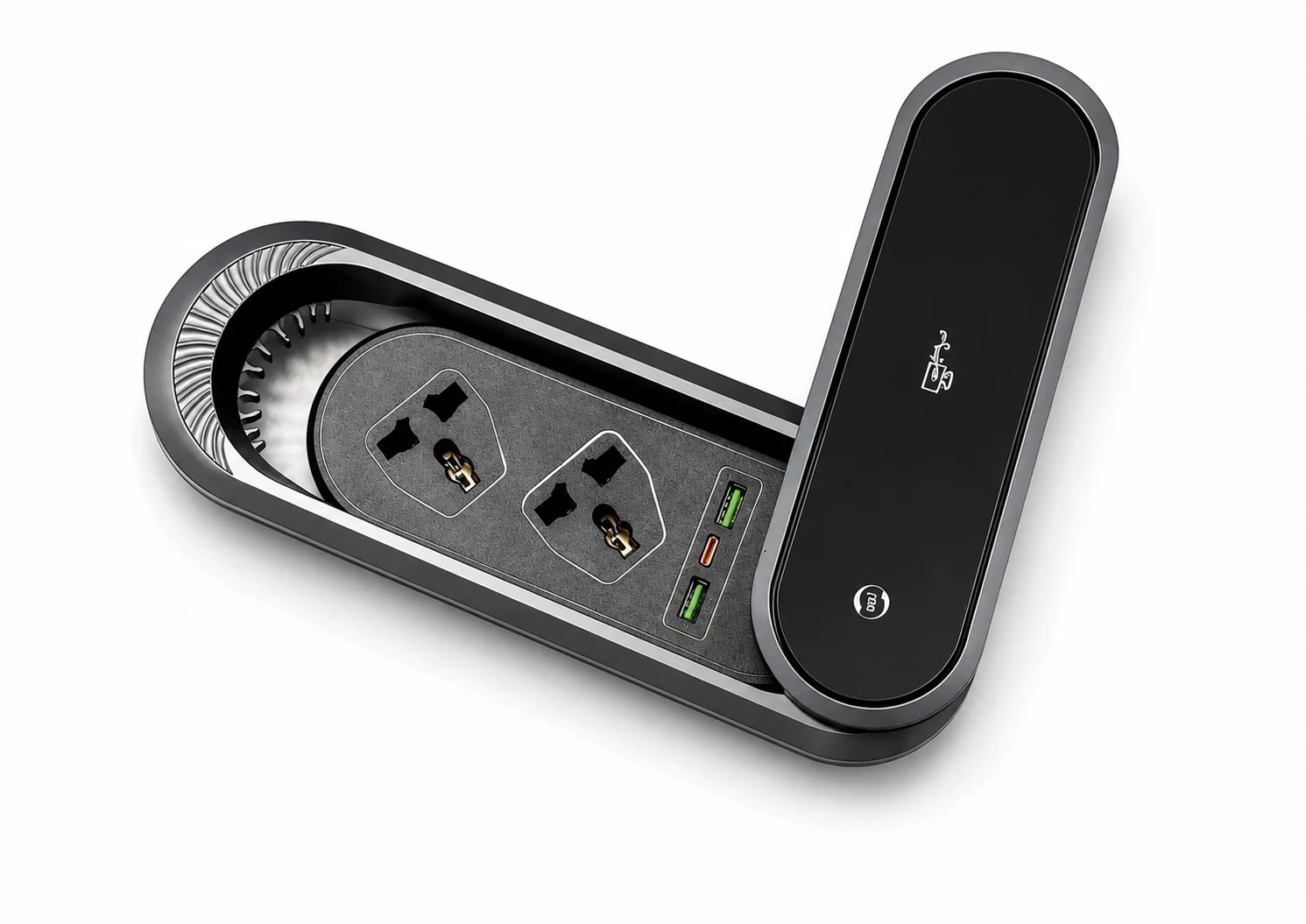
Sooye Studio’s current catalogue contains CM-01 for cable management and DP-01 through DP-17 for desk power formats. The Product Catalog is the discovery source; the Office Power Modules hub routes powered-format decisions. The exact function, configuration and evidence remain model-specific.
Comparison table: cable pass-through or powered interface
| Decision area | Cable grommet | Power grommet or desk power module | Buyer evidence |
|---|---|---|---|
| Primary job | Guide or conceal existing cables through furniture | Place a powered or connection interface at the work surface | Written use statement |
| Current model example | CM-01 | DP models selected from current evidence | Exact product page and image |
| Furniture opening | Defined around pass-through body and cable movement | Defined around the exact module, mechanism and service condition | Controlled furniture drawing |
| Below-surface route | Cable bend, movement and snag control | Cable route plus power-module clearance and access | Underside drawing or sample photo |
| Destination review | Furniture and cable-use review | Furniture plus destination-specific electrical and document review | Named review owner |
| Sample question | Does the pass-through protect and organize the intended cables? | Does the exact module fit, operate and remain serviceable in the intended furniture? | Paid-sample record |
Start with the furniture workflow, not the product name
- State the user need. Is the desk only passing monitor, device or data cables, or must users access power or connection interfaces at the surface?
- Mark the installation position. Record the work-surface zone, underside obstacles, cable direction and service approach.
- Select a current evidence route. Use the CM-01 page for cable management. Use a current DP model page and the embedded desk power guide for powered integration.
- Control the drawing. Never transfer an opening from a generic image or another model. The cutout-dimension guide explains why the exact drawing revision must govern furniture preparation.
- Test a representative sample. Confirm the selected product in the actual or representative material stack and record what the result does—and does not—approve.
Questions unique to cable grommets
- Which cables must pass through, and will any connector head need to pass through the opening?
- Will cables move during height adjustment, maintenance or device replacement?
- Can edges, brushes or cover parts contact the cable in the intended route?
- Is there enough underside clearance for the cable bend without trapping or abrasion?
- Who owns the cable-management drawing and future service route?
These questions belong to cable-management planning. They should not be padded with power specifications that do not apply. If the need changes to surface power, return to product selection instead of silently expanding the CM-01 role.
Questions unique to powered desk grommets
A powered module introduces configuration and destination questions that a cable-only component does not answer. The buyer should identify the exact model, visible layout, requested socket or port arrangement, plug and cable inputs, destination and document review. These are not universal across the product family. Use the port-layout drawing checklist and the documentation checklist to keep the evidence traceable.
Furniture approval must also cover opening preparation, below-surface clearance, operating movement where applicable and service access. A sample result belongs to the tested product and furniture condition. It should not approve a second model merely because the top view appears similar.
A combined decision record
| Record | Owner | Acceptable evidence | Disposition |
|---|---|---|---|
| Function statement | Furniture or product owner | “Cable pass-through only” or a defined powered-interface need | Choose cable or power route |
| Current model | Procurement | Model page, product image and supplier reference | Confirmed / Needs verification |
| Furniture fit | Furniture engineering | Controlled drawing and representative sample | Approve only tested condition |
| Destination questions | Qualified project reviewer | Written configuration and document review | Close before order commitment |
| RFQ handoff | Procurement | Exact model, quantity, destination, open fields and attachments | Submit controlled RFQ |
Common furniture mistakes to prevent
The first mistake is selecting from the top view alone. A cable grommet and a powered product may occupy similar visual territory on the work surface while creating very different underside conditions. The drawing set should show the complete body, moving or cover parts where applicable, the cable exit and the route a service technician would need later.
The second mistake is using one opening note across a product family. Opening preparation must follow the exact current model evidence and controlled drawing; it should never be inferred from another product, an illustrative scene or an uncontrolled marketplace image. Keep the drawing revision in the sample record and in the RFQ attachment list.
The third mistake is solving cable clutter by adding power without confirming the user need. If the desk already has remote power and only needs cables to pass through the surface, CM-01 may represent the correct product family. If users need a powered interface at the work surface, a DP model may be appropriate, but it adds destination and configuration review. The correct choice is the smallest function that fully satisfies the written requirement.
Plan for service and future cable changes
Furniture can outlast the devices and cables used with it. A cable-management review should consider whether connector heads can be withdrawn, whether moving furniture pulls on cables, and whether the route remains accessible without damaging the surface. A power-module review should consider how the exact product can be inspected or serviced in the approved furniture condition. These are project questions, not universal model claims.
Record the service approach before the opening is released. If the buyer expects frequent device changes, test the intended cable set with the sample. If a powered module is selected, preserve access to the relevant cable route and do not let an underside storage part, beam or tray block the reviewed condition. The paid sample should demonstrate the real workflow, not only static appearance.
What to confirm before RFQ
- Whether the requirement is cable pass-through only or a powered surface interface.
- The exact current model and the evidence used to identify it.
- Furniture position, material stack, opening drawing revision, underside route and service access.
- For CM-01, the intended cable set, connector clearance, movement and bend route.
- For powered modules, the destination, requested layout, plug, cable and document questions.
- The paid-sample plan and the exact furniture condition that the result will approve.
- All unresolved fields that require written confirmation by model and configuration.
Move from discovery to a controlled decision
Review CM-01 and the relevant DP models in the catalogue, then document the furniture workflow before ordering samples. The paid-sample shortlist record can keep cable and power candidates in separate decision groups. When the evidence is ready, send the exact model, furniture drawings, destination, quantity and open questions through the Inquiry / RFQ page.
Sooye Studio’s approach is precise and evidence-aware: Clear sourcing before commitment. A cable grommet is not sold as a power module, and a power-module image is not treated as a complete order specification.