Buyer Guide · Updated 30 July 2026
Desk Power Module Quotation Comparison Sheet for B2B Buyers
Direct answer: compare desk power module quotations only after every supplier line is normalized to the same model reference, furniture interface, visible port or socket layout, destination, cable and plug requirement, document set, sample status and written exceptions. A lower total is not comparable when one quotation includes a different configuration or leaves decision-critical fields open. Build one controlled comparison row per candidate, mark each field Confirmed, Needs verification or Written confirmation required, and resolve mismatches before choosing a paid sample or sending a final RFQ.
Why quotation totals are often not comparable
Desk power modules are furniture-integrated products. Two lines that both say “desk socket” can represent different opening formats, cover mechanisms, visible interfaces, cable arrangements or destination assumptions. The comparison therefore starts with scope alignment, not price ranking. A procurement team should first connect each quote to the current Product Catalog, the relevant model page and the Office Power Modules hub. If a quoted reference cannot be mapped to visible evidence, treat it as an unresolved candidate rather than an equivalent substitute.
This guide does not publish or infer prices, MOQ, lead time, certifications or performance. Those commercial and technical fields remain model-, configuration- and order-specific and require written confirmation. The purpose is to make supplier responses comparable without turning unanswered fields into assumptions.
Use one comparison line per exact configuration
| Comparison field | What to record | Status rule | Why it changes the decision |
|---|---|---|---|
| Model reference | Supplier reference plus matching Sooye Studio model, if applicable | Confirmed only when the reference and evidence match | Prevents different products being treated as one line |
| Furniture interface | Recessed, clamp-on, pop-up, rotating, flip-cover or other evidenced format | Needs verification when the drawing or sample is missing | Controls furniture preparation and service access |
| Visible layout | What is visible in the quoted image or controlled drawing | Do not copy details from another model | Affects user and destination review |
| Destination inputs | Country or market, project location and buyer-defined electrical review needs | Written confirmation required | Prevents a generic quote from becoming a destination promise |
| Cable and plug | Requested arrangement, evidence supplied and open questions | Written confirmation required by exact model | Separates a picture from an approved order configuration |
| Furniture evidence | Drawing revision, sample furniture and fit result | Confirmed only for the tested condition | Stops one sample result being applied to unrelated furniture |
| Documents | Requested files, file revision and review owner | Needs verification until received and reviewed | Keeps document availability separate from a verbal claim |
| Commercial response | Currency, quantity basis, validity, exclusions and other written terms | Record exactly as quoted; do not fill blanks | Makes the total auditable |
A five-stage quotation normalization process
- Freeze the buyer input. Record furniture type, intended position, destination, target quantity for the quotation request and the decision owner. Use the port-layout drawing checklist where a controlled drawing is needed.
- Map every supplier line. Attach the supplier reference, current product image, page or file revision. If the line maps to a current Sooye Studio model, link the relevant model page; if it does not, keep it outside the comparable group.
- Normalize inclusions and exclusions. Record exactly what the supplier states about the quoted configuration. A blank is not “standard.” It is Needs verification.
- Separate evidence from statements. Mark what is visible, what is documented and what is only requested. The Compliance Document Center explains why files must be reviewed in context rather than treated as universal coverage.
- Choose the next verification action. Reject a non-comparable line, request clarification, move a small shortlist to paid samples, or prepare the controlled RFQ. The model-shortlist record is the next step when multiple candidates remain.
Do not let a photograph silently define the quotation
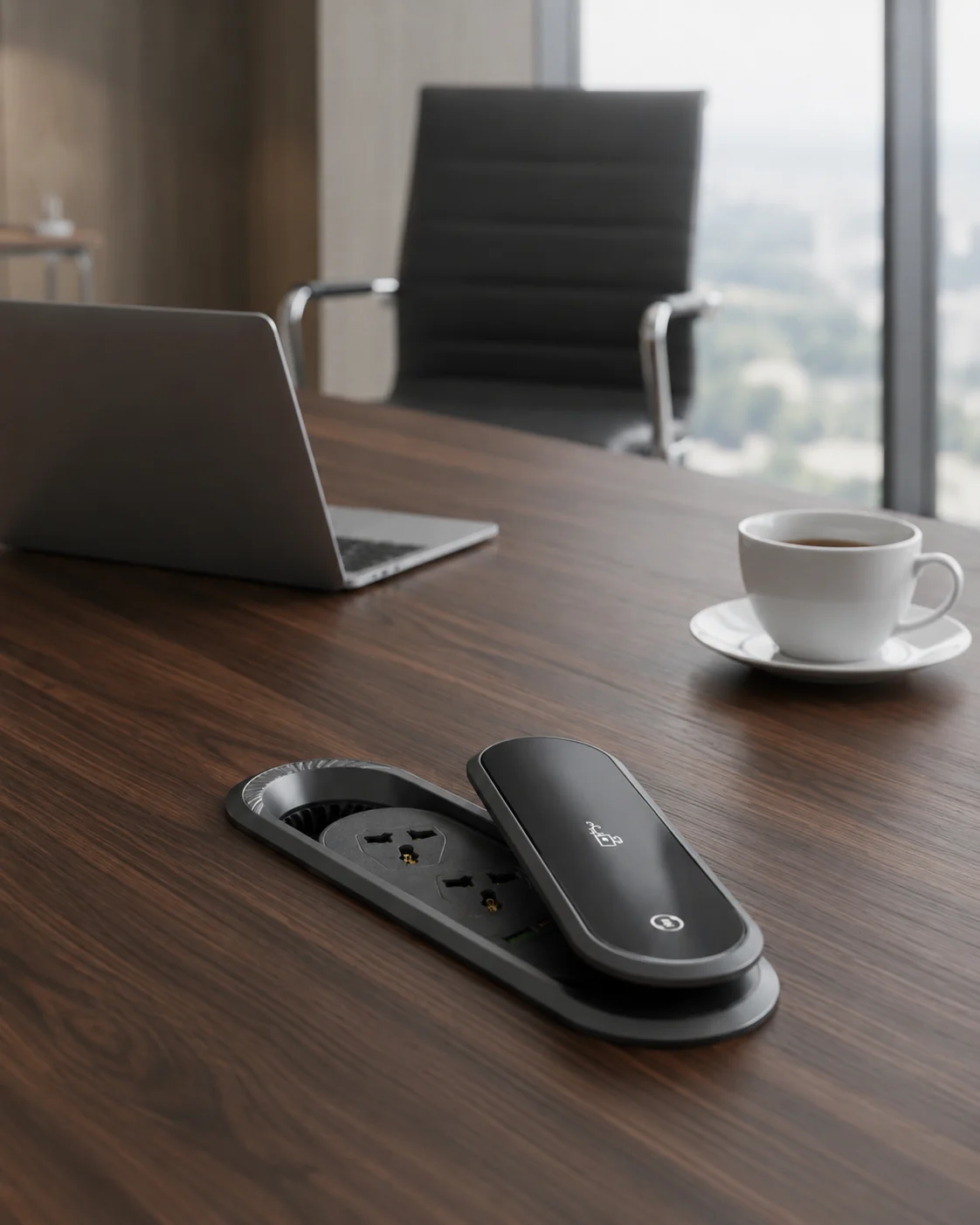
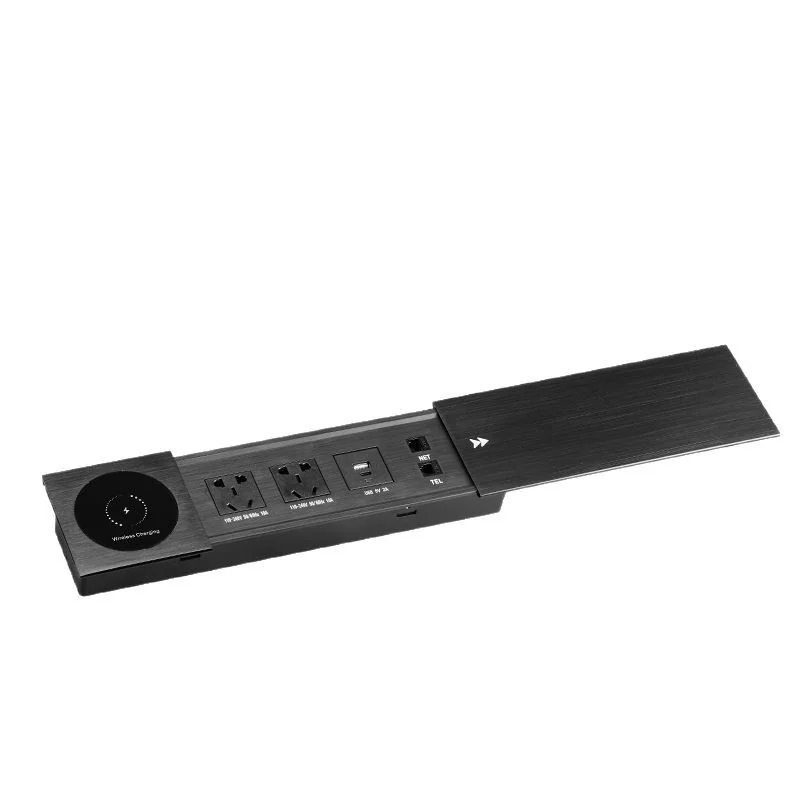
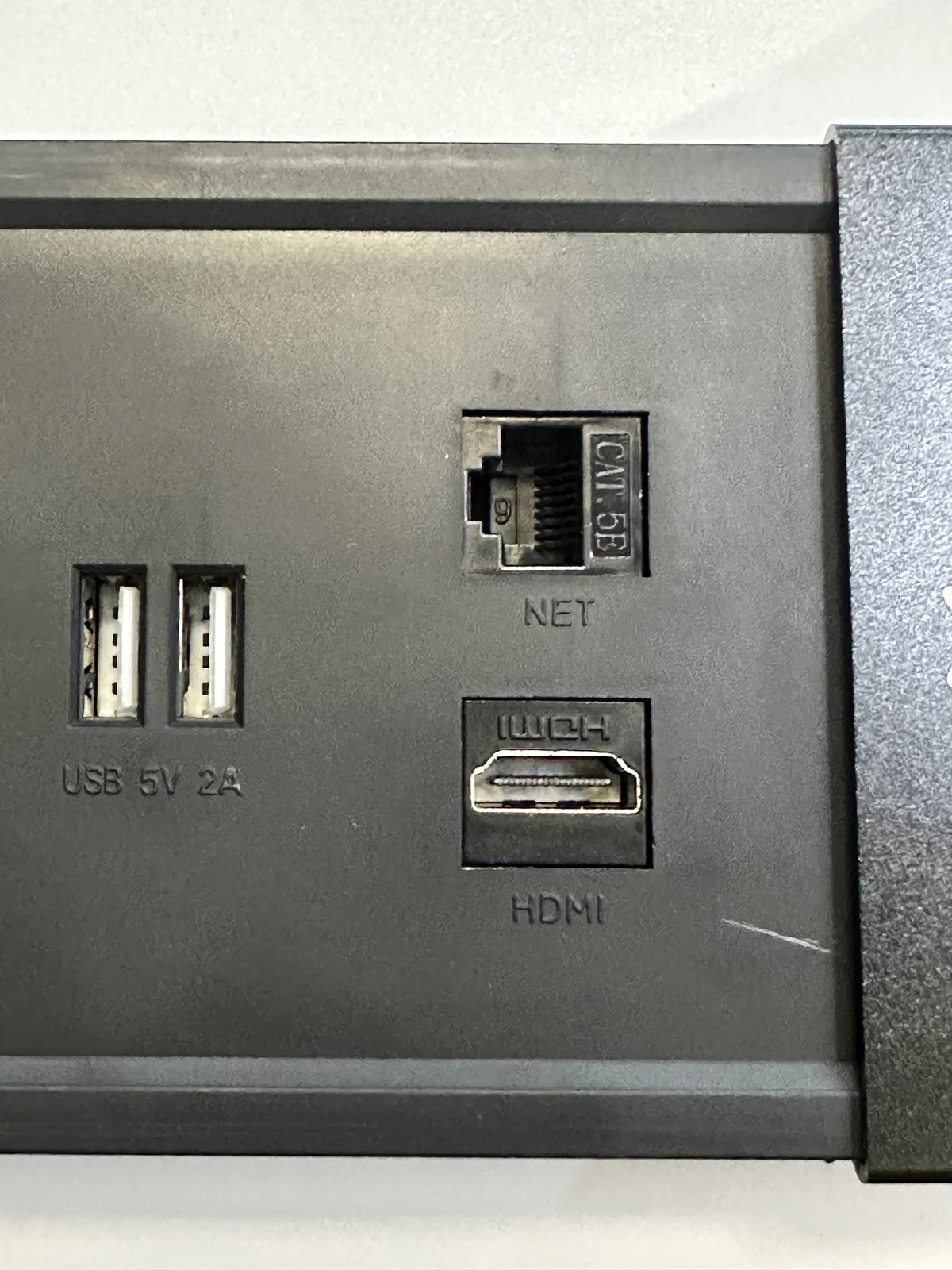
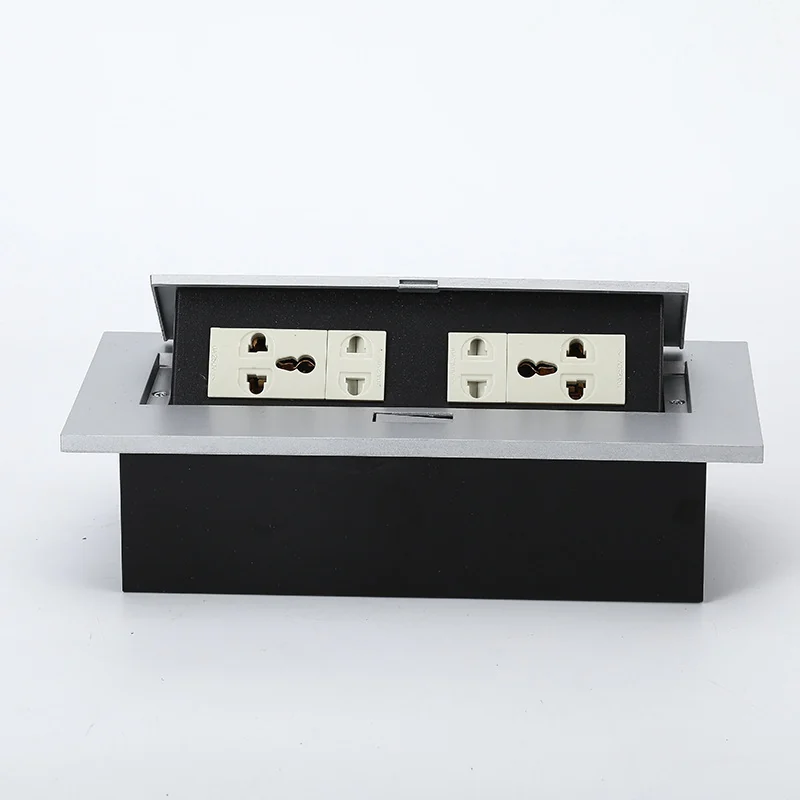
A product photograph can confirm visible structure, but it cannot confirm every port, plug, cable, destination, document or commercial field. Keep image evidence close to the row it supports and label illustrative scenes as illustrative. When a quotation uses a generic photo, ask which exact model and configuration the image represents. A useful supplier response should make that relationship explicit.
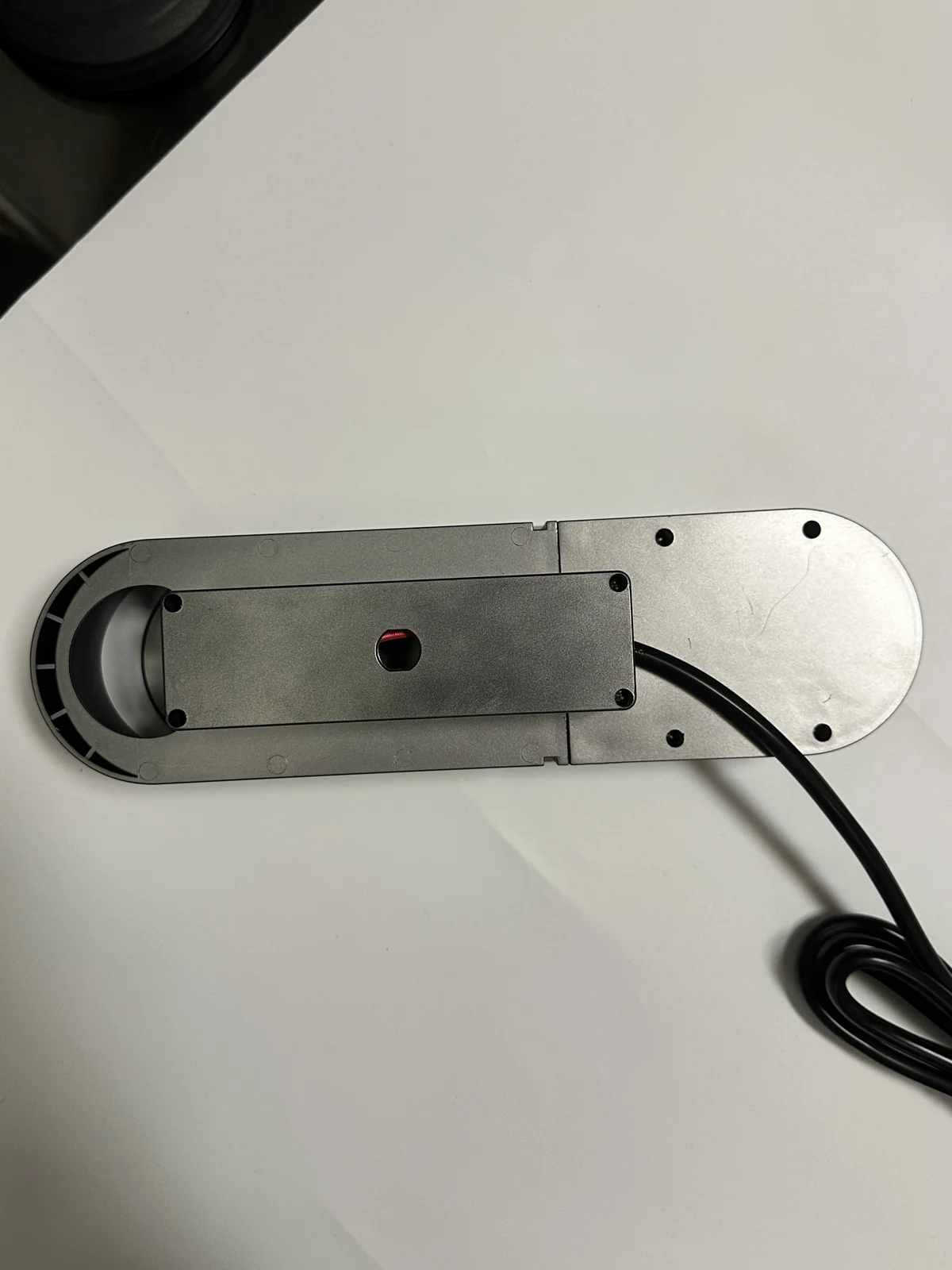
For furniture integration, compare like with like. A flip-cover format should not be ranked against a rotating or pop-up format as though only the total matters. If the buyer has not yet chosen the furniture interface, use the clamp-on versus recessed decision guide and the desk socket buying guide before requesting quotations.
Decision rules for exceptions
- Comparable: exact model or controlled equivalent, aligned buyer inputs, visible evidence, written inclusions and no decision-critical blank.
- Comparable after clarification: the same intended configuration appears possible, but one or more fields require a written answer or revised file.
- Sample before comparison: the furniture interface or service access cannot be resolved from documents and needs a representative paid sample.
- Not comparable: the line uses a different format, an unknown model, a different destination assumption or untraceable evidence.
These statuses protect the procurement record. They also make internal approval easier: furniture engineering can own fit, electrical or compliance reviewers can own destination questions, and procurement can own commercial completeness without any team approving outside its evidence.
How to review commercial terms without inventing equivalence
Commercial data belongs in the comparison, but it should be recorded exactly as supplied. Keep the quoted currency, quantity basis, validity, payment wording, logistics basis, sample treatment, packaging inclusion and exclusions in separate columns. Never convert a blank cell into an assumed inclusion. If one response bundles an item and another lists it separately, normalize the presentation while preserving the source wording and arithmetic. The final comparison should let a reviewer reconstruct each supplier total from the original response.
Do not ask the product image to explain the commercial line. A visually similar model may use a different quoted configuration, and a single supplier may offer several lines under the same product-family label. Give every line a comparison ID and link it to the exact supplier reference. If the supplier revises the response, retain the old revision, record the reason and make the new version the active row. This prevents a late commercial update from silently changing the selected product.
Assign reviewers by evidence type
| Reviewer | Owns | Does not automatically own | Required output |
|---|---|---|---|
| Furniture owner | Position, opening, material stack, underside condition and service access | Destination electrical acceptance | Drawing disposition and sample boundary |
| Destination or document reviewer | Buyer-defined market questions and file review | Furniture fit or commercial completeness | Written open/closed status |
| Procurement | Supplier reference, quantity basis, inclusions, exclusions and revisions | Unreviewed technical claims | Normalized quotation record |
| Decision owner | Final shortlist and exception acceptance | Creating missing evidence | Approve, clarify, sample or reject |
Named ownership is especially important when a line appears commercially attractive but depends on an unverified configuration. Procurement can flag the exception, but the responsible technical or furniture reviewer must close it. The decision owner should be able to see who accepted each exception and which evidence was available at that time.
Preserve a revision trail from comparison to sample
When the comparison produces a shortlist, create a frozen export or signed-off record with the date, input revision and selected lines. Carry the comparison ID into the sample request, sample photography, test record and final RFQ. If the supplier proposes a substitute or revision, open a new line rather than editing the approved one in place. The buyer can then decide whether the change is comparable, document-only, sample-critical or unacceptable.
This trail reduces ambiguity during repeat discussions. It also protects Sooye Studio and the buyer from treating an earlier image, drawing or response as confirmation of a later configuration. Clear sourcing means preserving the boundary between what was seen, what was written, what was tested and what remains open.
Before management approval, run a final completeness check against the original buyer input. Confirm that no comparison row has inherited a value from the line above, that every conversion or normalized subtotal can be traced, and that the selected response still references the model and evidence reviewed by the furniture and destination owners. Archive the original supplier files beside the normalized sheet. The comparison is a decision aid; the original response remains the source record.
What to confirm before RFQ
- Exact model reference and the image or product page that supports it.
- Furniture interface, drawing revision, installation position and service-access expectation.
- Destination, requested socket or port arrangement, plug, cable and other configuration inputs.
- Which fields are Confirmed, Needs verification or subject to written confirmation.
- Paid-sample plan, inspection owner and the furniture condition that will be tested.
- Requested document list and who will review each file for the intended market and application.
- Quantity basis and every commercial inclusion, exclusion and open item exactly as written by the supplier.
Use Sooye Studio’s clear-sourcing path
Sooye Studio is a factory brand in Jiazi Town, Lufeng, Shanwei, Guangdong, China, with 18 current catalogued products: DP-01 through DP-17 and CM-01. Buyers can review the public range, create a controlled comparison, order paid samples and request written confirmation by model and configuration. Availability, MOQ, lead time, destination suitability and order-specific capabilities are not treated as universal website promises.
Start with the catalogue, document the comparison, verify a small paid-sample shortlist and then use the Inquiry / RFQ page. This is the practical meaning of Clear sourcing before commitment: Discover → Verify → Sample → RFQ.